
Emailed timesheets. One review queue.
Bring timesheet attachments into timepilot through your Company's configured email intake, then review the hours before payroll.
Start your trial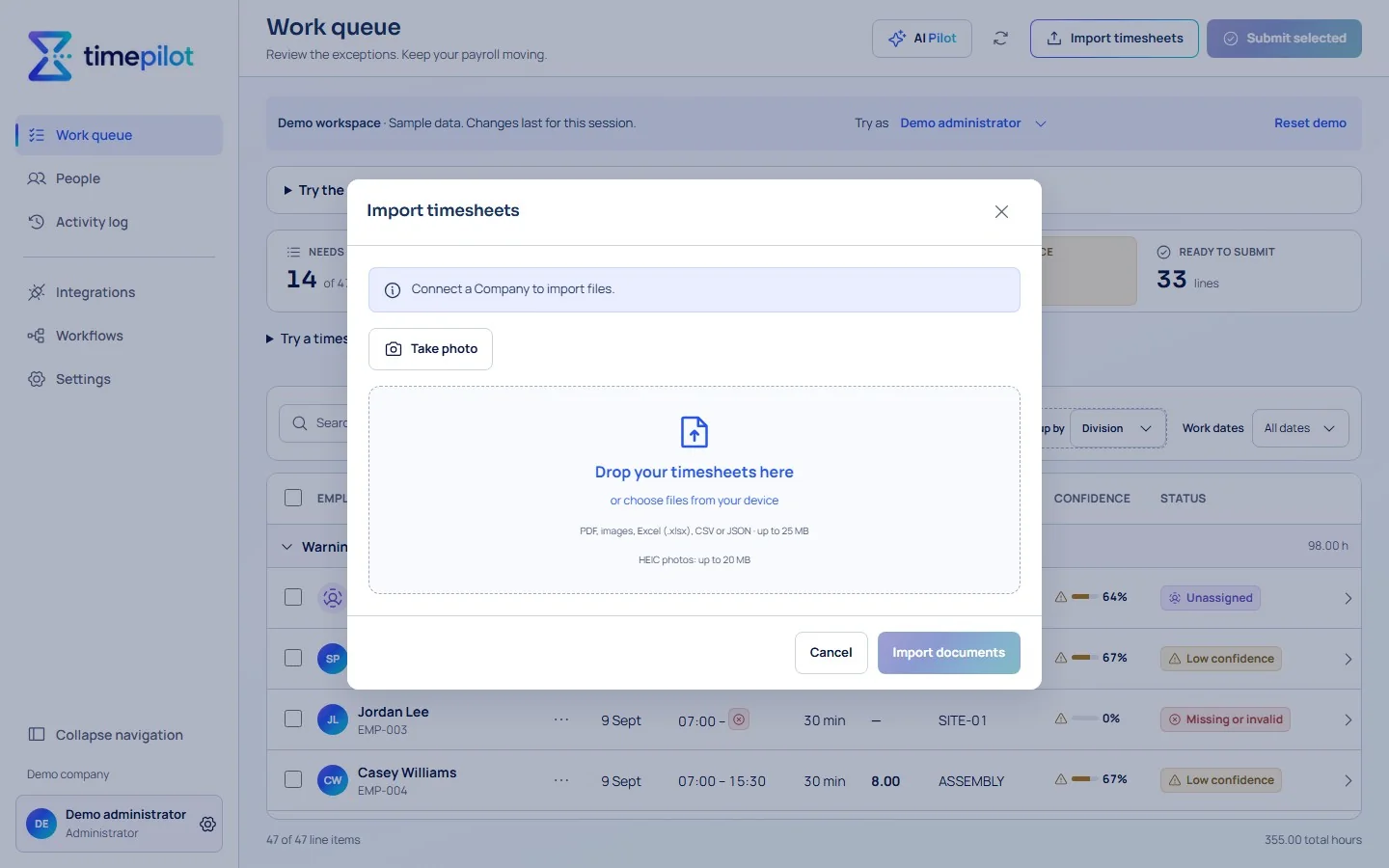
Set up your intake
Your Administrator configures the Company's email intake and confirms approved senders. Mailbox connections and automatic imports require verified setup and activation.
Bring attachments together
Timesheet attachments enter the import workflow. Activated reading services help structure document hours, with uncertain values retained for review.
Check before payroll
Review the original beside the entries, resolve exceptions and use your Company's optional approval process before exporting eligible hours.